Using an offer
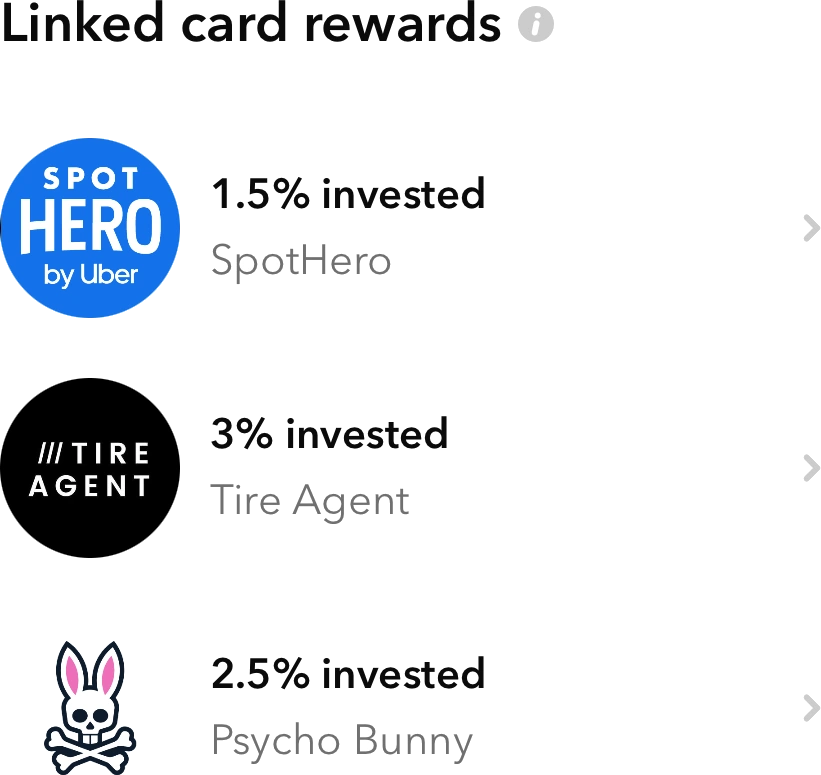
Each store’s offer shows which purchases earn cash back. Some offers use a shopping link, some need activation, and some work through a linked card. Once the purchase qualifies, Acorns handles the investment.
Where the cash back goes
You pay the store as usual. Once the reward clears, Acorns puts the cash back into Invest and buys more of the investments you’ve chosen.
Shopping from your browser
The Acorns Earn extension shows offers while you browse participating stores. It gives you the option to activate an offer before checkout.
Following your reward
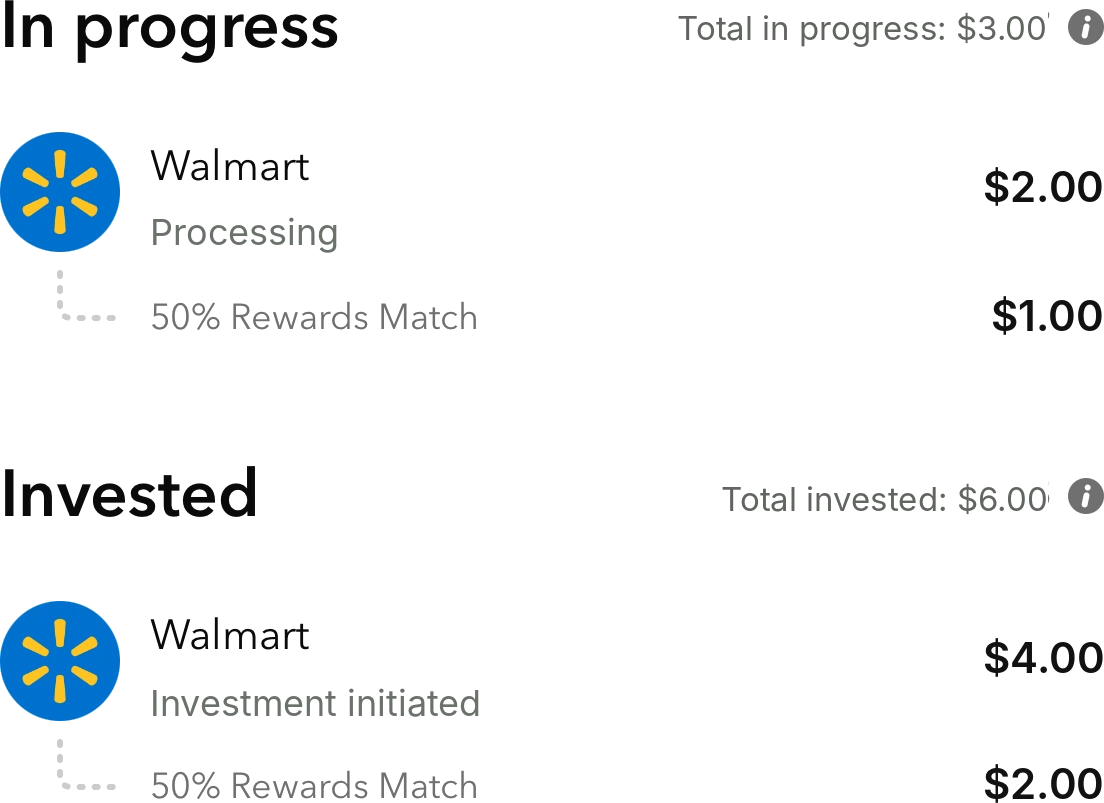
Earn activity shows which rewards are processing and which have been invested. Purchases can appear in a few days; the investment itself can take a few months.
Extra cash back on Silver and Gold
Say you spend $100 at a store offering 2% cash back. That earns you $2. On an eligible offer, Silver’s 25% match adds 50 cents. Gold’s 50% match adds $1, for a total of $3 invested.
Saving your usual stores
Your favorites keep the stores you already shop at together. When you’re ready to buy, the offer shows the current rate and the purchases it covers.