Open your account
Our signup link below gives you access to the welcome bonus. Acorns asks for your information and walks you through verifying your identity.
When a user signs up using this link they get $5 invested in their account after the first month. Our referral link
Choose a plan
We recommend starting with Bronze. It’s $4 a month and includes Acorns Checking and automatic investing. Silver is $8 and adds Emergency Savings and a 1% match on eligible first-year retirement contributions. Gold is $12 and adds individual stock choices, a 3% first-year retirement match, and a 50% boost on eligible shopping rewards.
Pick the accounts you’ll use
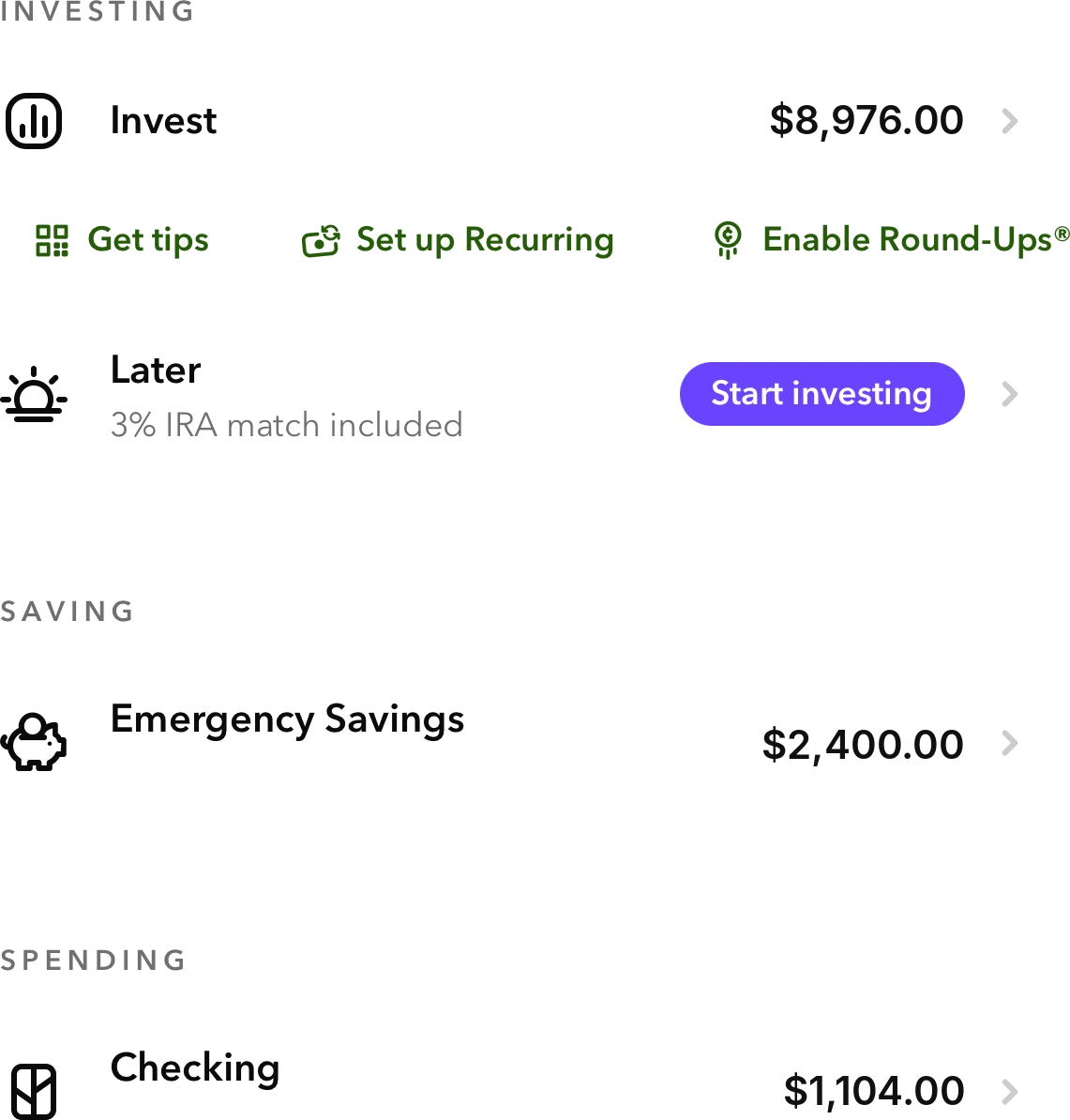
Acorns Invest holds your investments. Acorns Checking is a regular checking account with a debit card. On Silver and Gold, Mighty Oak Checking also earns interest, and Emergency Savings gives you a separate place to earn interest on money you’re keeping for unexpected bills. Acorns Later holds your retirement investments.
Pick your investments
Acorns asks a few questions and suggests a portfolio, which is a mix of investments. For our long-term growth, we recommend the Core Aggressive portfolio. It’s the all-stock option: your investment goes into businesses across the U.S. and around the world.
Connect your bank
Link the checking account you’ll use to pay for your investments. You can keep using your own bank for scheduled deposits. To split a paycheck as it comes in, send it to Acorns Checking.
Make your first deposit
Pick an amount of $5 or more, check which bank it’ll come from, and confirm. Acorns transfers the money and buys your investments.
Set an amount to repeat
Try an amount you’ll be comfortable putting away even in a quiet month. Once you save the schedule, Acorns makes the transfer for you.
See where your money went
Activity shows when your transfer is on its way and when Acorns has bought your investments. That’s where we look when we’re checking a new setup for the first time.
You can set up a paycheck split later, when the first payment arrives in Checking.