Add the debit card to your phone
Once your checking account is open, activate your digital debit card and add it to Apple Wallet or Google Wallet. You can spend from Checking while the physical card is in the mail.
Choose the bank your investments come from
We use Acorns Checking for our side income and asked support to make it our primary funding account. You can also use a linked checking account at another bank. Your funding account is where Acorns gets the money for investment transfers.
Start with an amount you can keep up
We choose an amount we’ll still be comfortable putting away during a quiet month. Even $5 a month gets the habit going, and Scheduled shows when the next transfer will happen.
Look at your first payout
The first deposit from a new source tells us whether Acorns recognizes it for a split. We’ve used eBay, Etsy, gift-card sales and some Fidelity payments that way. The next payout shows how much stayed in checking and how much went to our other accounts.
Adjust your Round-Ups
A $3.60 purchase puts away 40 cents at the usual setting. With a multiplier, it can put away 80 cents, $1.20 or $4. Choose the amount you’d actually like to take from checking.
Favorite your usual stores
Saving a store in Earn makes its current offer easy to find the next time you shop there. Before checkout, the offer tells you which items qualify and whether you need to use its shopping link.
Put your balance on your home screen
We like seeing our balance as soon as we open the app. A tap on the performance chart separates what the investments earned from the money we put in ourselves.
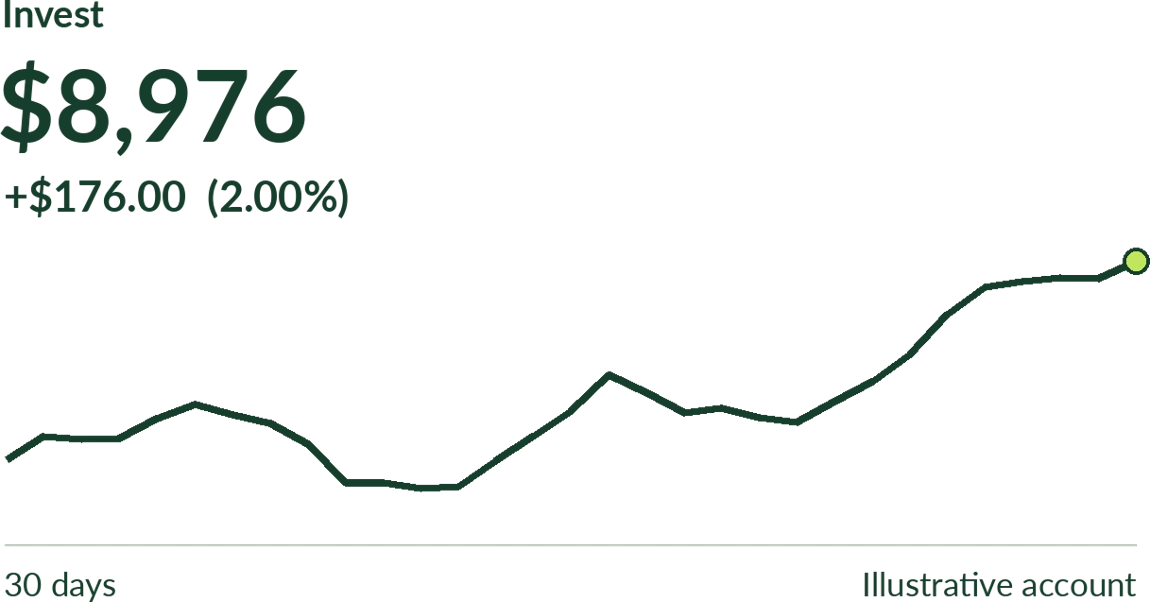
On an iPhone, press and hold the Home Screen, add a widget and search for Acorns. Pick Invest or Checking. For Invest, choose the period you’d like to see. We use the widget on iPad and Mac too. Open Activity when you need to look up a particular payment.
Change plans when your needs change
Bronze covers automatic investing. Silver gives you a separate emergency savings account. We’d move to Gold for a feature we’re ready to use, like individual stocks.
During financial hardship, eligible customers can use Acorns Assist for $1 a month to keep their basic investment account. Checking closes on Assist, so move your direct deposits and bills first. You can find Assist in your subscription settings or ask support.
Share your referral link
Open the referral area in the app for your own invitation. Send it to a friend who’s interested, along with the reason you use Acorns.